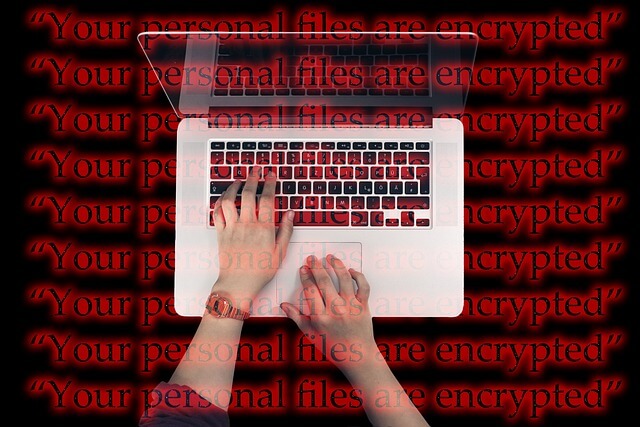

Most people have at least heard of malware, but now the question is, do they really know what it represents and how dangerous it can be? It isn’t just some random virtual occurrence that may or may not be dangerous.
It’s a very sneaky thing that can destroy your reputation, and more importantly, steal sensitive information, among many other things. That’s precisely why it’s essential to properly safeguard yourself against it.
Now, it may not always be easy to do that, but fortunately, there are several methods that you can try out that could be very beneficial in these instances. So, let’s see which ones are the most effective!
How Does It Enter Your System In The First Place?
Before we cut to the chase, let’s first get to know the enemy. It’s of huge importance to discover what is malware and protection options, and that’s exactly what’s going to be done today. Malware is a lot smarter than you think.
If you think that its attacks are very transparent, then you obviously have never dealt with it before. It will try to trick you into letting it in. This refers to fishy links, fake emails, it will try to encourage you to install something, and many other things.
Surprisingly, you can even find it in the ads and apps that really look reliable and trustworthy, but actually aren’t. And that’s why you need to get to know it and how it functions, so you can prepare yourself the right way.
Make Use Of A Firewall
Firewall can be an excellent tool for these purposes because it acts like some sort of barrier between the external world and your device, supervising incoming and outgoing traffic, and getting rid of anyone who is perceived as “unwanted”.
By doing so, it effectively keeps the malware at bay, not permitting it to infiltrate your system. Another thing that’s also very useful against malware is a security patch management system. If you want it to safeguard you the way it’s supposed to, then you should update your system on a regular basis with the newest security patches.
Antivirus Can Be Of Huge Essence, As Well!
Having top-notch security software or antivirus is a perfect protection against numerous online threats, including malware, and both of these tools act like true guards that supervise your system in real time.
They are intended to detect anything that’s potentially harmful, block malicious sites, and get rid of infections before their impact causes serious damage to your device. Therefore, it’s always wise to keep your antivirus turned on and regularly updated, so it can keep up with the latest online dangers.
You can download a free version, but keep in mind that you won’t receive the level of protection that comes with a paid one, which usually includes features like firewall controls, ransomware defense, etc.
Your Employees Should Be Informed About This, Too!
Although it’s highly likely that your workers know at least to some extent what malware is, they probably still aren’t familiar with it enough, which is something that you must work on if you want to ensure nothing bad happens to your company.
One of the best things that you can do when it comes to this is to conduct thorough employee training that’s going to educate them about this and accentuate the fact of how pivotal it is to protect yourself against it.
These training sessions are both very beneficial and practical, and most importantly, they significantly reduce the likelihood of dealing with malware. It’s going to help your workforce recognize the real dangers, such as phishing scams and many other threats.
By conducting something like this, you are basically not allowing malware or any other virtual threat to enter your systems and make a real mess.
Strong Passwords Are A Must!
Strong passwords are one of the oldest, simplest, yet most effective strategies you can resort to to safeguard yourself against these occurrences. If you want to do this the right way, then you need to create one that’s strong and authentic.
So what does it mean? It means that it cannot be associated with you (referring to your name, date of birth, etc.) and that it’s packed with a bunch of different letters, numbers, and characters. The longer the better. Also, be sure to use a different password for all your accounts.

Unfortunately, malware is here to stay, and it’s highly unlikely it will ever go away. But that doesn’t mean you should allow it to take over; instead, implement all the above-mentioned tips and tricks.